
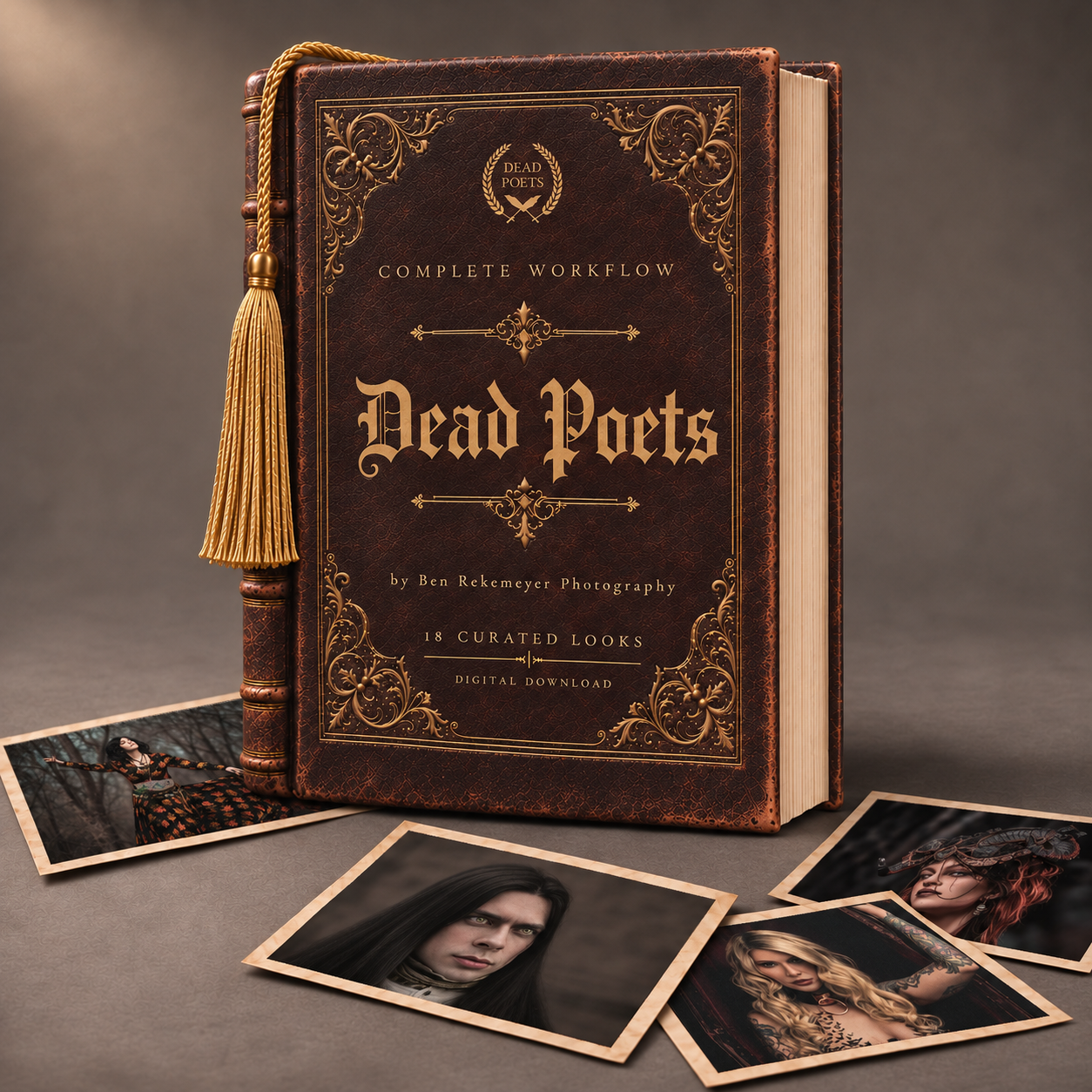
Complete Workflow
$59 USD
18 Core Looks + 75 workflow tools.
$59 USD
18 Core Looks + 75 workflow tools.
$19 USD
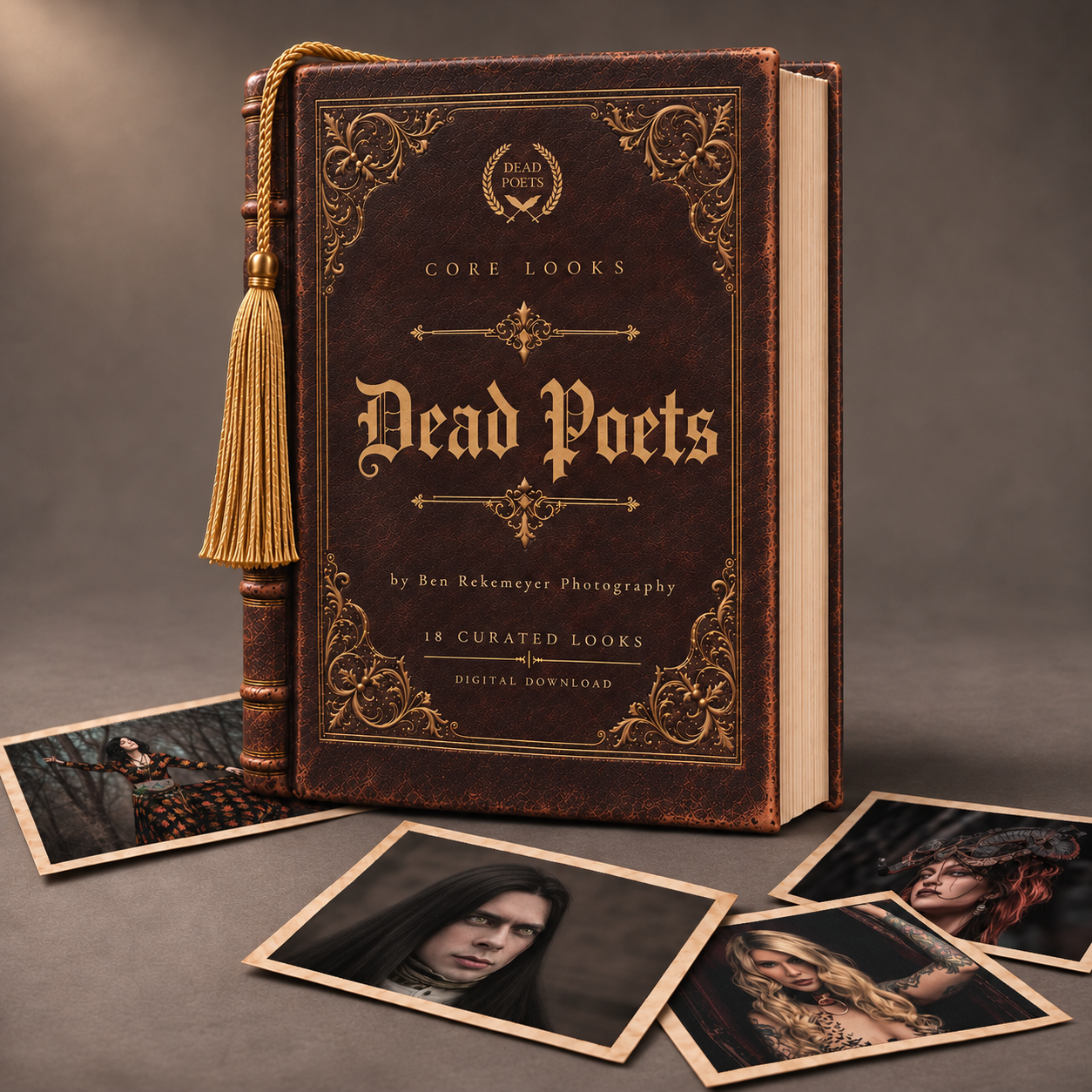
18 Lightroom color presets.

$69 USD
42 looks, 83 distinct workflow tools and 14 creative profiles, with supporting profiles and a dedicated guide.
No standalone pack required. Shared tools are consolidated. Profiles replace one another; the guide explains compatibility and which tools combine.
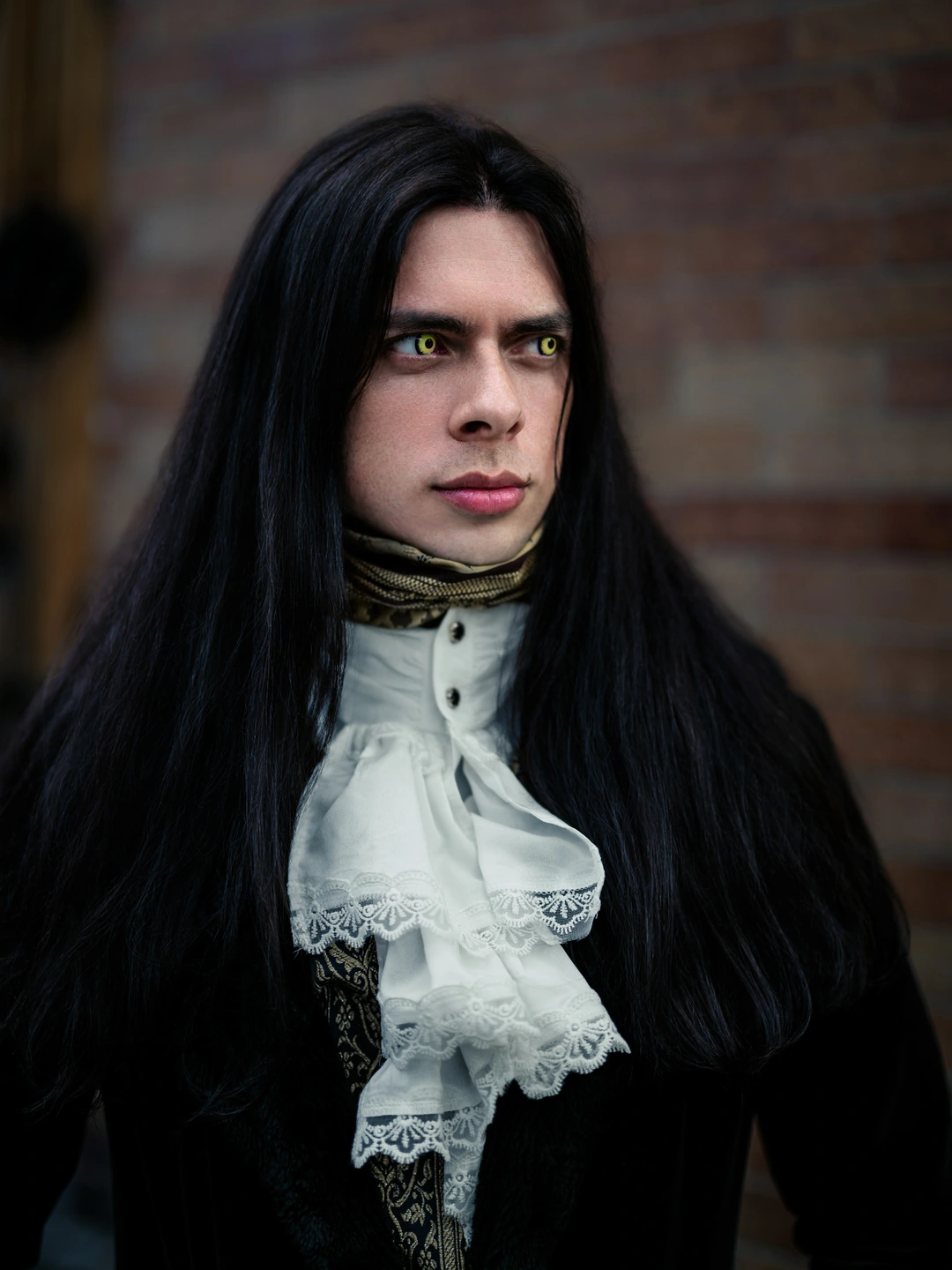
Four photographs. Drag to compare.
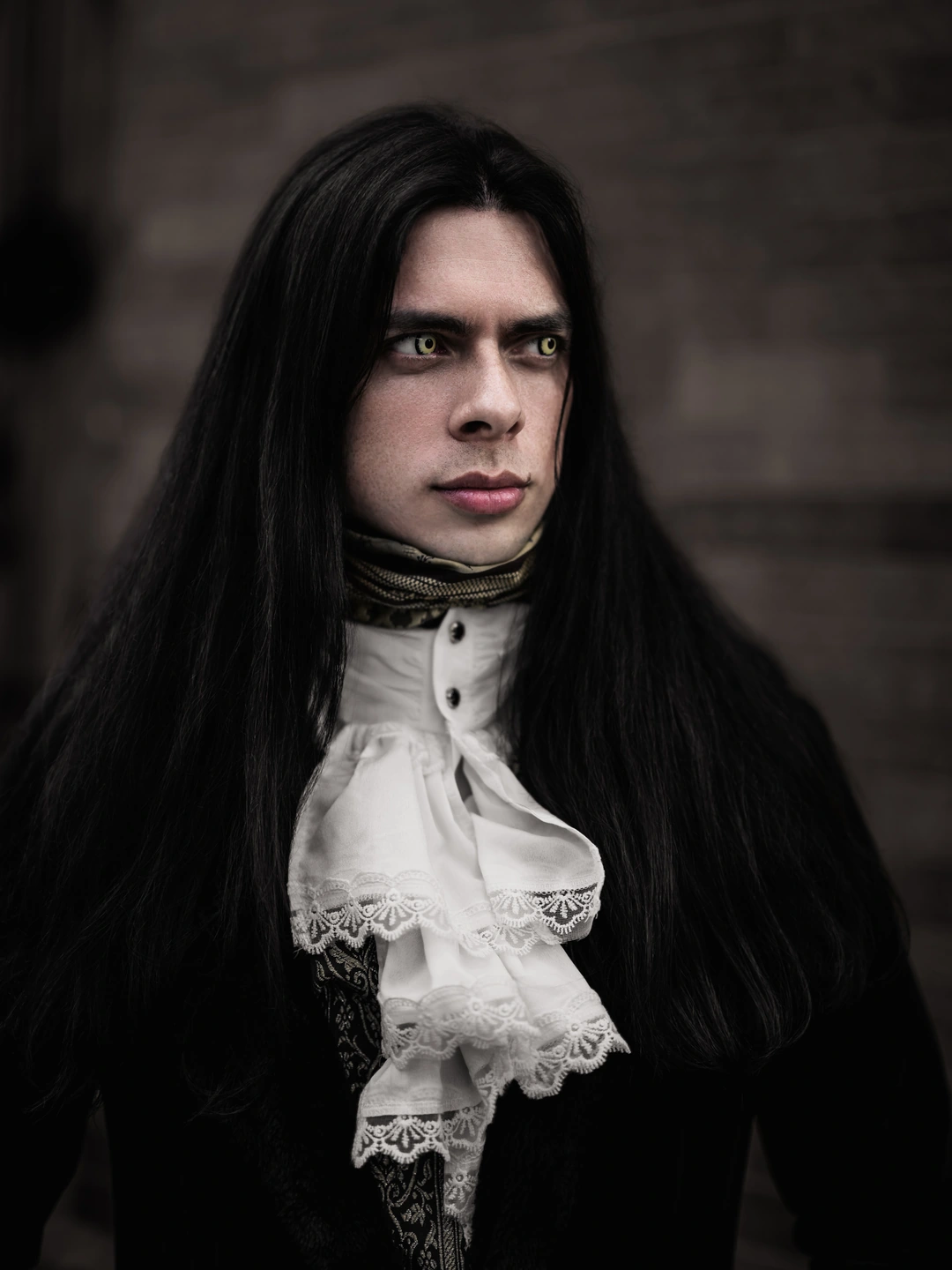 BEFOREAFTER
Drag the handle or use the slider. Keyboard: ← → Home End.
Choose a look. Illustrative colors—not photo results.
Antique brown, aged wood, and a tightly controlled palette. The look that started the collection.
18 signature looks, 75 workflow tools, 5 supporting profiles and a PDF guide. Standalone collection; October '98 is not required.
Start with a signature look, then refine your edit with the workflow tools. Follow the complete editing order in the PDF guide.
Designed for current Lightroom Classic and standard SDR editing. Full AI functionality requires an eligible paid Adobe plan. Mobile features vary by platform. Adobe software is not included.
3 MB ZIP with desktop and mobile setup instructions. Digital download only.
iPhone/iPad: sync presets and profiles from cloud-based Lightroom desktop using the same Adobe ID. Lightroom Classic alone does not sync presets. Android supports direct profile and preset imports, but some AI edits may not transfer.
18 Lightroom presets, 5 required profiles and a PDF installation and look guide.
14 looks use adaptive AI masks; 4 are mask-free. Amount behavior varies by preset. Install the required profiles alongside the presets.
Tested in Lightroom Classic for standard SDR editing. Mobile results have not been independently tested; older versions and other apps are not validated. AI masking requires paid Lightroom features, and some mobile platforms do not support all masks. Adobe software is not included.
6 MB ZIP with a Lightroom Classic import ZIP, mobile setup files and the PDF guide. Some profile-based looks require desktop-to-mobile syncing. Digital download only.
WHAT THE 75 WORKFLOW TOOLS DO
The Complete Workflow edition includes 18 signature looks plus 75 targeted editing presets. Many use Lightroom’s AI masks to adjust a person, background, sky or detected feature separately, so you can refine the photograph as well as apply its color style.
12 tools
Soften facial and body skin texture, balance uneven skin brightness, reduce skin redness or orange casts and shine, brighten eyes, gently whiten teeth, and define hair and clothing. A combined retouch covers skin softening, eyes, teeth and hair; other controls remain separate.
23 tools
Lift your subject, control highlights and shadows, brighten or darken the background, adjust its warmth, soften distracting texture, and add atmospheric depth or haze. Includes sky, ground, foliage and full-landscape enhancements.
10 tools
Counter blue, green or magenta casts on the subject or background, or add a creative background color wash.
10 tools
Add warm or cool light spills, shape directional subject light and shadow, or refine the inner edge of the subject for separation. Adjust the supplied gradients to suit your photograph.
10 tools
Refine color intensity, midtones, highlights, shadows, contrast, clarity and texture.
7 tools
Choose fine, medium or heavy grain, soft or strong edge darkening, or switch either effect off.
3 tools
Optional Auto tone and color, Auto white balance, or the camera’s As Shot white balance.
Start with exposure and white balance, choose one Dead Poets look, then add only the tools your photo needs. The included guide explains the editing order and which tools are alternatives. The five supporting profiles are included for the looks that require them.
AI masks need a supported Lightroom version, eligible Adobe plan and compatible device. Update and inspect selections for each photo; edges or small features may need manual refinement. Skin softening does not remove blemishes, background softening is not lens blur, and highlight recovery cannot recreate detail lost at capture.
Product mockup. Before-and-after photographs are genuine; palettes are illustrative.